Remolo your Mac’s screen on your phone, controlled by touch — DOGMA’s own product, from research and naming to the App Store
In brief
To get anything done on a Mac, you have to be at the Mac. A film or a render is running on the Mac in the corner while you’re on the couch. The file you need is at home while you’re on the road.
Remolo is a product built by the founders of DOGMA. We had long wanted products of our own and wanted to walk the whole path ourselves — from the idea to a person actually using it. So the agency team built Remolo end to end: research, positioning, name, product logic, interface, identity, mascot, website and launch.
This case is about one idea that holds everything together: Remolo is the only one that is strong both at home and away. The name, the product’s superpower, the interface and the brand language all grew out of it — from the dot-matrix cursor to Remi the mascot.
Problem
To get anything done on a Mac, you have to be at the Mac
iPhone trackpad remotes work blind: you can’t see the Mac’s screen, so you never know where you’re clicking. Remote desktops are complicated — accounts, ports, router settings — and built for sysadmins with the person on the couch left out.
Research
First, eighteen thousand reviews of other people’s apps
- 18,023
- App Store reviews of 20 competing apps across the US, UK, Canada and Australia
- 27.7M
- Macs sold in 2025 — up 16% while the PC market shrinks
- 0.8M
- downloads a year — the ceiling of the niche across the four launch markets
- 8
- competitors checked against their official sites and App Store listings — features, limits and prices
It’s so nice to lean back on the couch, hook the laptop up to the TV and control everything from my iPhone
Market
Some are strong at home, others away. Nobody covered both corners
Remotes like Remote Mouse are strong at home, but you steer the cursor blind. Remote desktops — Jump Desktop, Screens, TeamViewer — work from anywhere, yet ask for accounts and setup and are designed for a mouse. Meanwhile the Mac is growing 16% while the PC market falls, Chrome Remote Desktop has left iOS, and Apple’s iPhone Mirroring only works the other way round — from Mac to iPhone. The window is open.
Position
Remolo is the only one that is strong both at home and away
Compared using official websites and the App Store, October 2026. 10 minutes a day over the internet are free; Pro removes the limit. Remolo controls only the Mac — and in return gives you the whole screen, sized for a finger, with no account.
Name
The position is right in the name: away and nearby
Remote — control your Mac from afar. Local — at home, nearby, from the couch. Remolo is strong at both, so we built the name from both.
REMOte + LOcal. Short and soft, with no “mouse” or “remote” in it — the product can grow and the meaning stays.
- Position in the nameAway and nearby — what sets Remolo apart from everyone on the market.
- Sounds the same everywherere-MO-lo: three open syllables, easy to say in all five languages of the website.
- Leaves room to growThe name isn’t tied to a cursor or a remote, so the product can expand.
- Named the mascotRemi comes from Remolo.
Wording
From remote to screen, from screen to touch
-
1.0 · October 6
An iPhone remote for your Mac
Trackpad, slides, media and buttons. Search engines and AI assistants filed Remolo in the same category as “mouse” apps.
-
1.3 · October 9
Your Mac’s screen on your phone — nearby and away
A mouse is no longer enough — you see the screen. Slides and the clock stayed in the app but dropped out of the messaging.
-
1.4 · October 11
A remote desktop for your Mac that you control by touch
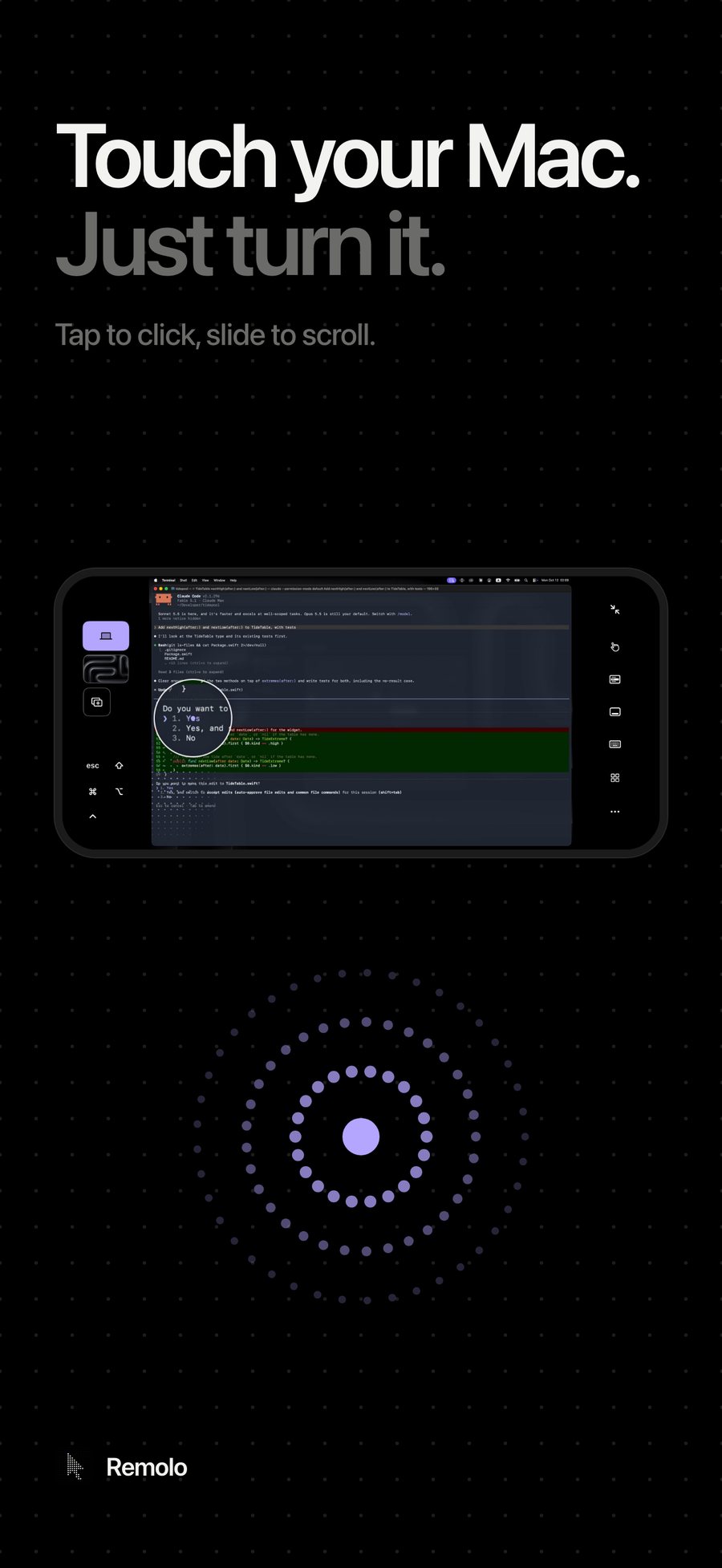
Touch your Mac. Just turn it. One action replaces the feature list.
The position stayed the same — strong both at home and away. The wording changed: shorter and sharper each time, until it came down to a single gesture.
Superpower
Tap where you look
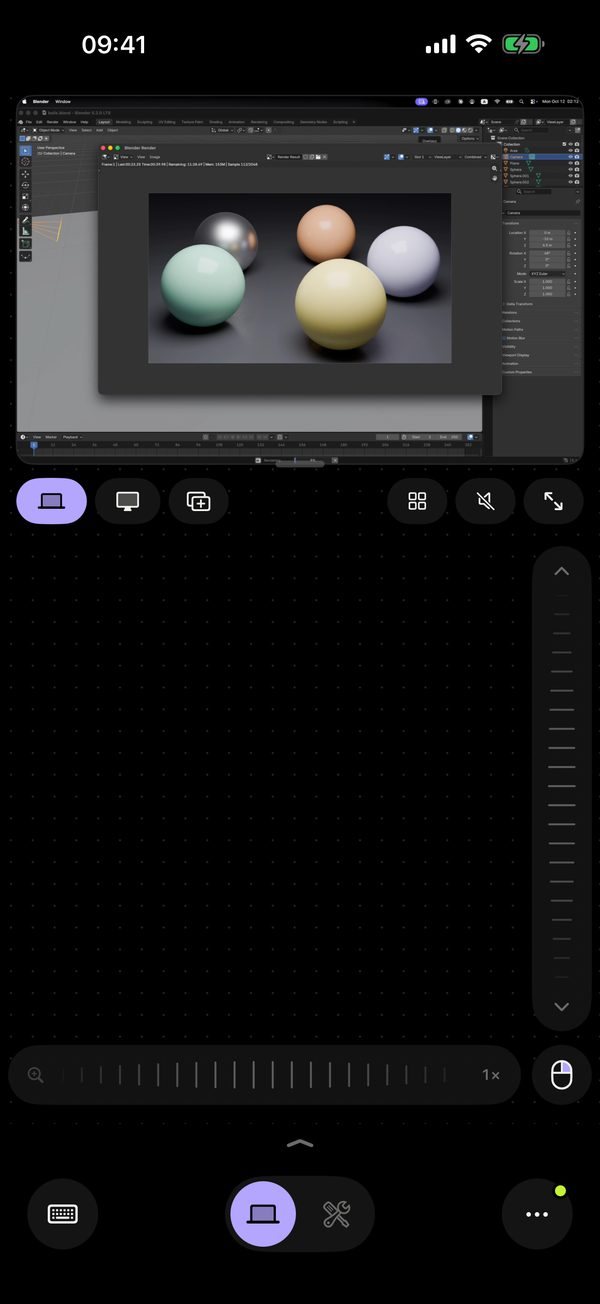
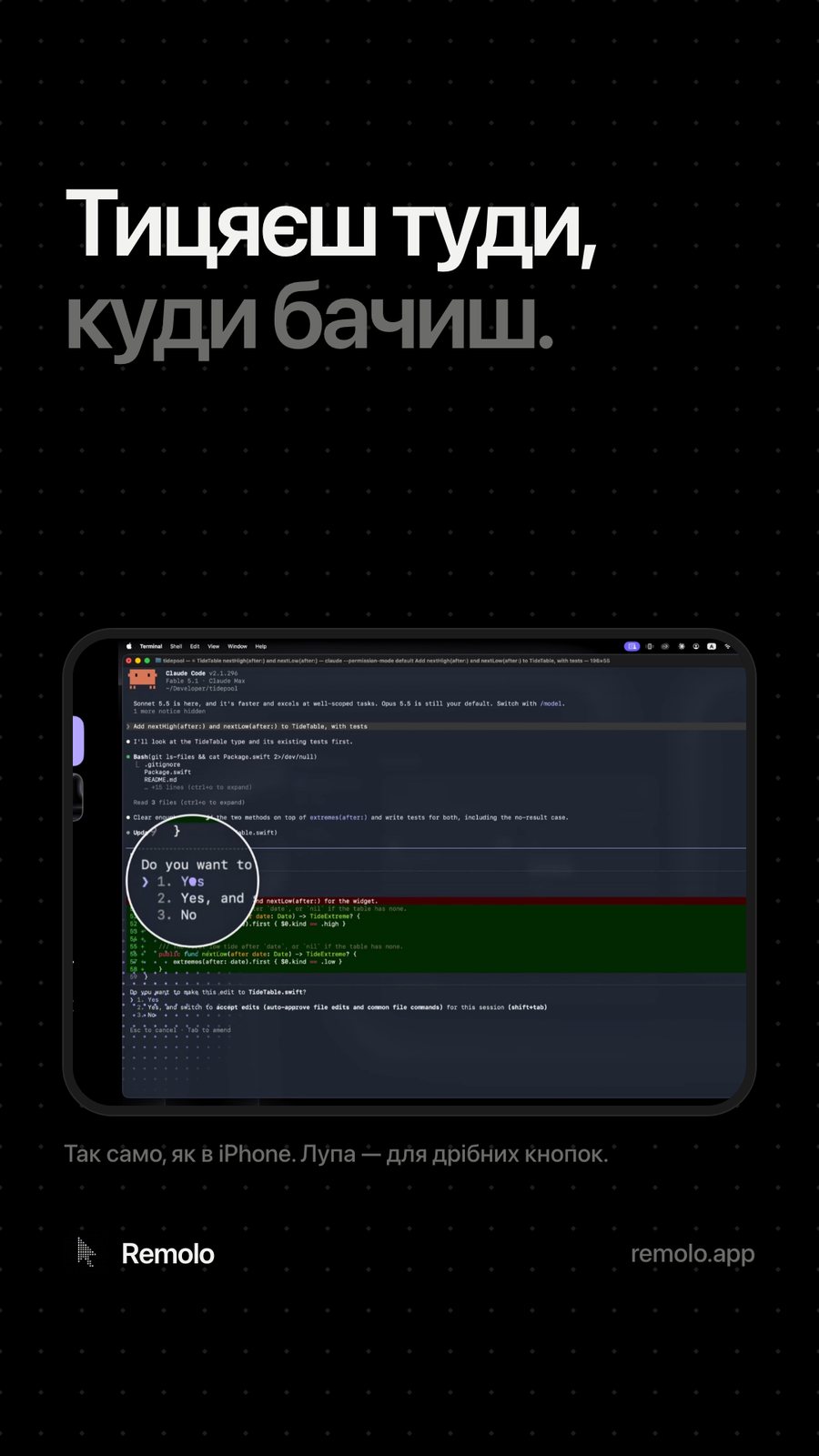
Each iPhone gesture does what people expect it to do on an iPhone, and the Mac gets its own action. A tap snaps to the nearest button, two fingers open the Mac menu in large rows, a long press brings up a magnifier. This became the core message — from the App Store listing to every post.
Touch
Use your finger — just like on a phone screen
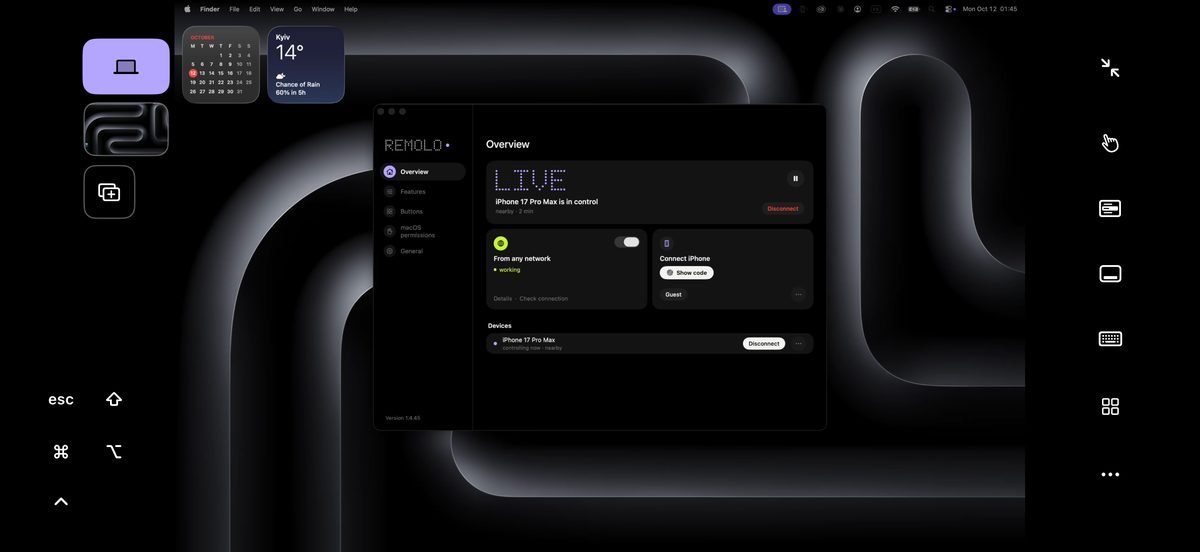
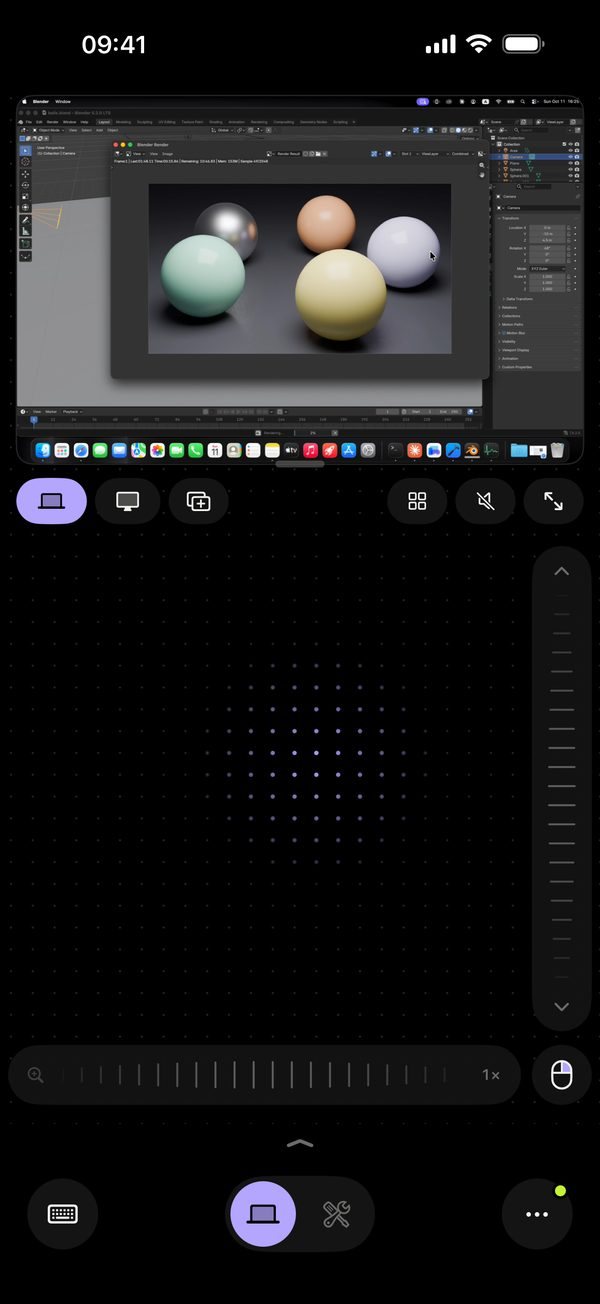
Want a cursor? Turn the phone upright: the Mac screen on top, a trackpad below.
Product logic
The position became the business model: free at home, Pro away
iPhone · iPadRemolo
Relaysees only ciphertext
MacRemolo Helper
12 → 7 steps
Decision: no sign-up at all. The Helper on the Mac shows a QR code and six digits — scan once and you’re in control. We rewrote onboarding around the promise “simpler than a remote desktop”: from 12 steps down to 7.
Free
Decision: “strong at home” is the core of the position, so it’s free and unlimited. A direct connection, up to 60 fps and Mac audio — people feel the difference from blind remotes with the very first touch.
10 min/day
Decision: “away” is what people pay for. 10 free minutes a day to try it, then Pro. Technically it’s a direct line, and if the network blocks it — an encrypted relay.
“Why?”
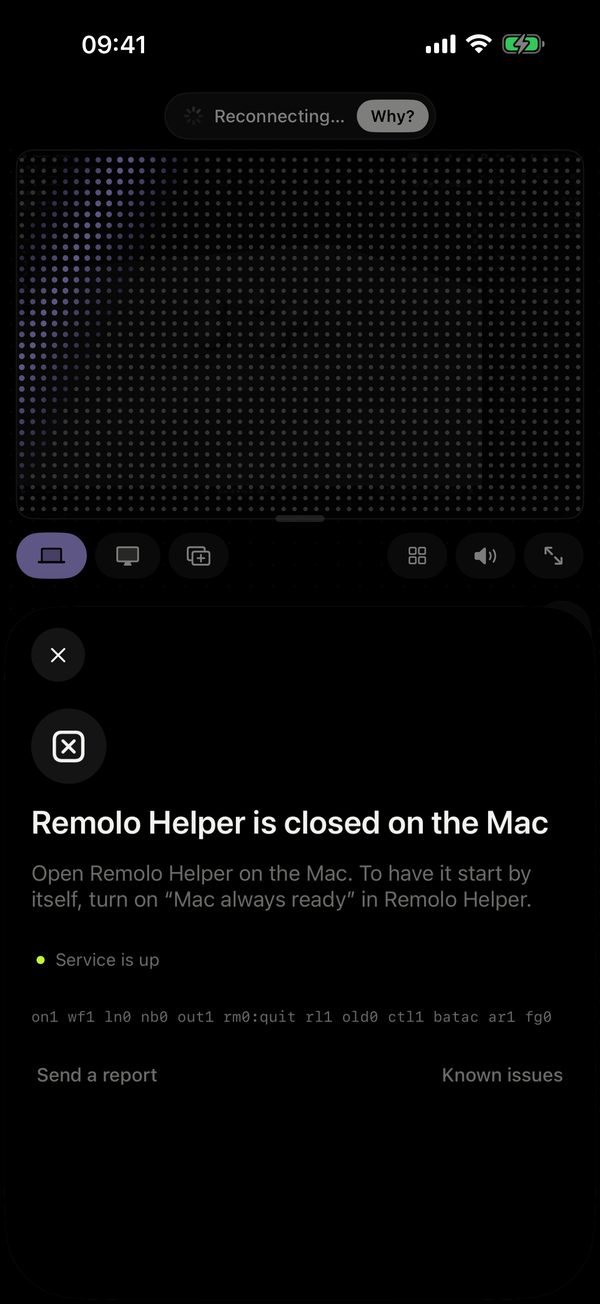
Decision: every error becomes an answer to “Why?”: the Mac is asleep, the lid is closed, the Helper is off. This is where Remi appears. A weak connection switches on Economy mode.
We owned the logic around the connection: what is free, what people pay for, and what they see when something goes wrong. So every new feature means six decisions at once: the Free/Pro line, the analytics event, the moment people discover it, the paywall copy, the help article and the website page.
Interface
The mode owns the screen
Radical minimalism: if an element isn’t needed right now, it isn’t there. Icons for labels, a black background and one accent per screen.
-
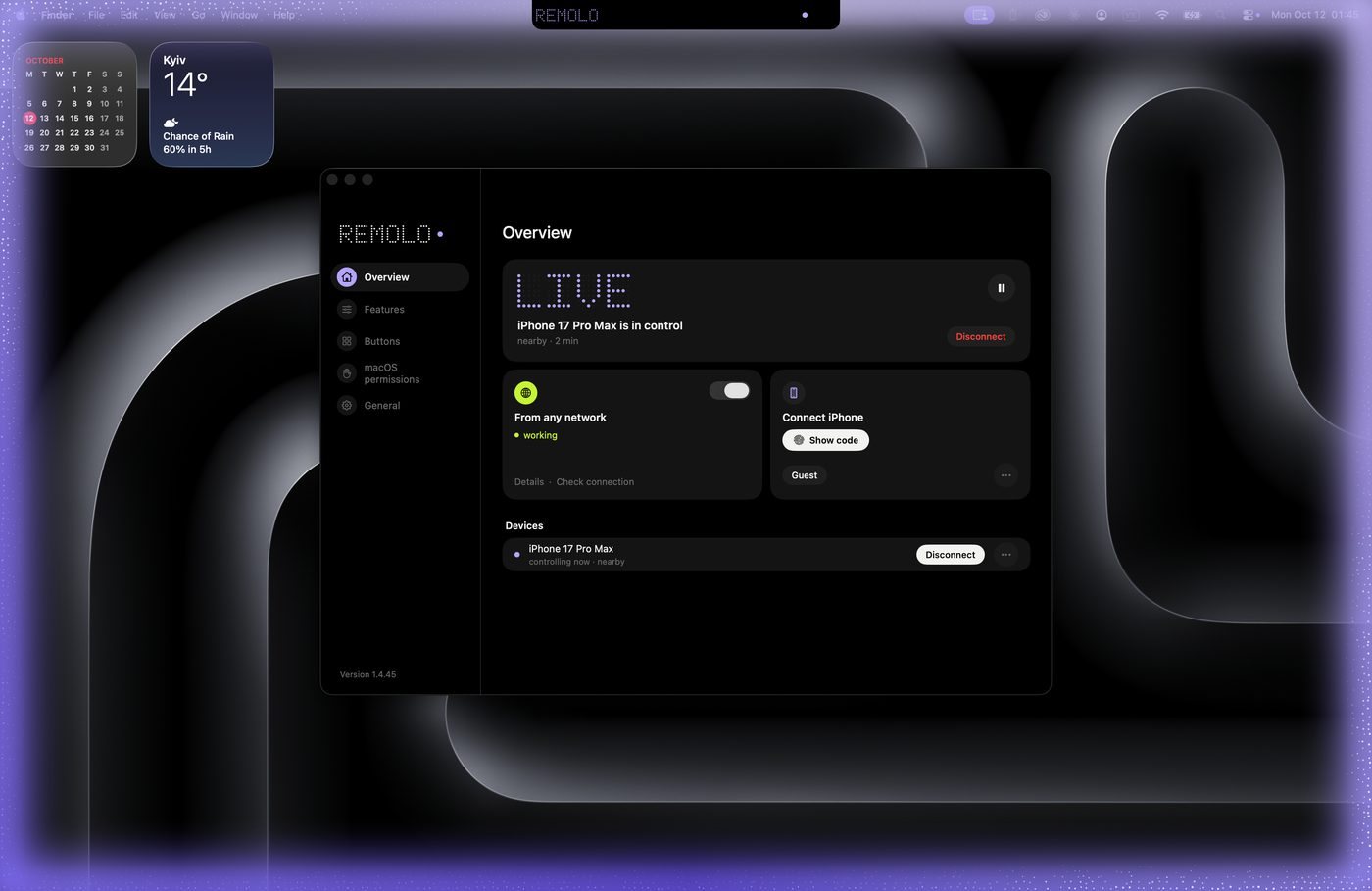
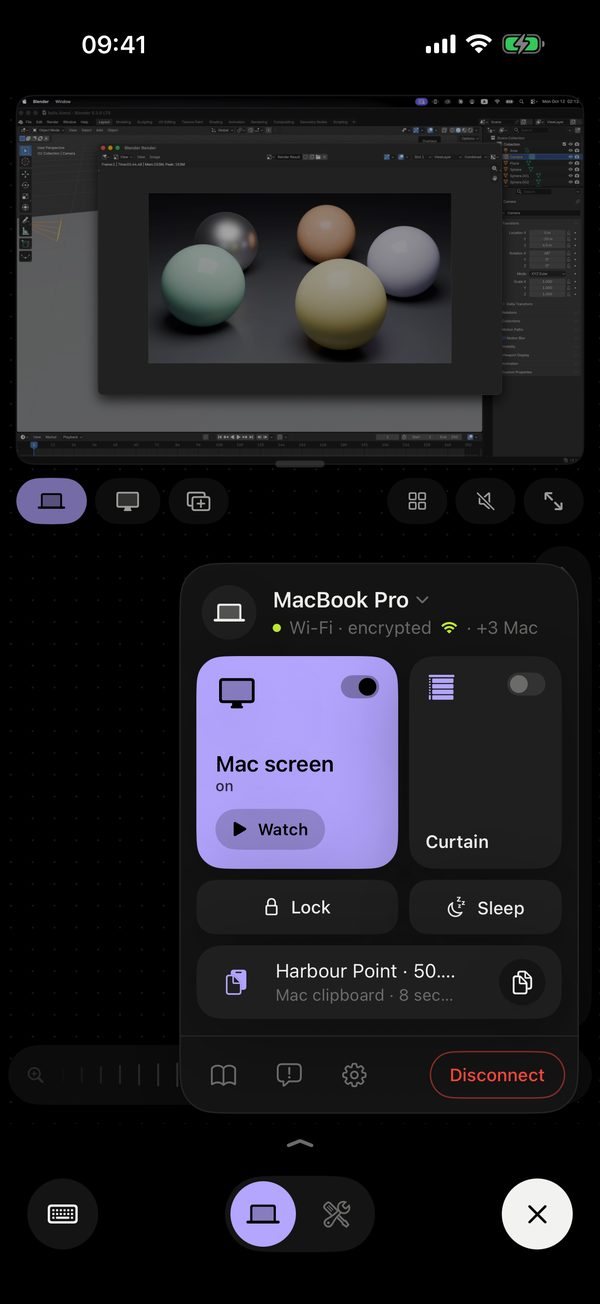
01Helper on the MacA menu bar app: status, connected phones, access from anywhere -
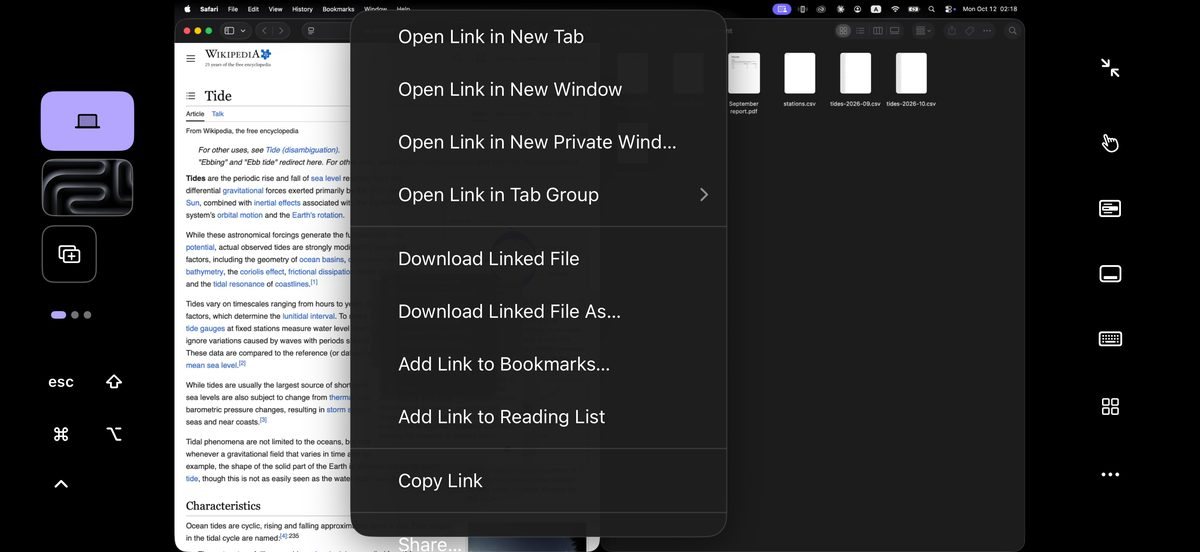
02Two-finger menuThe Mac right-click menu in large rows -
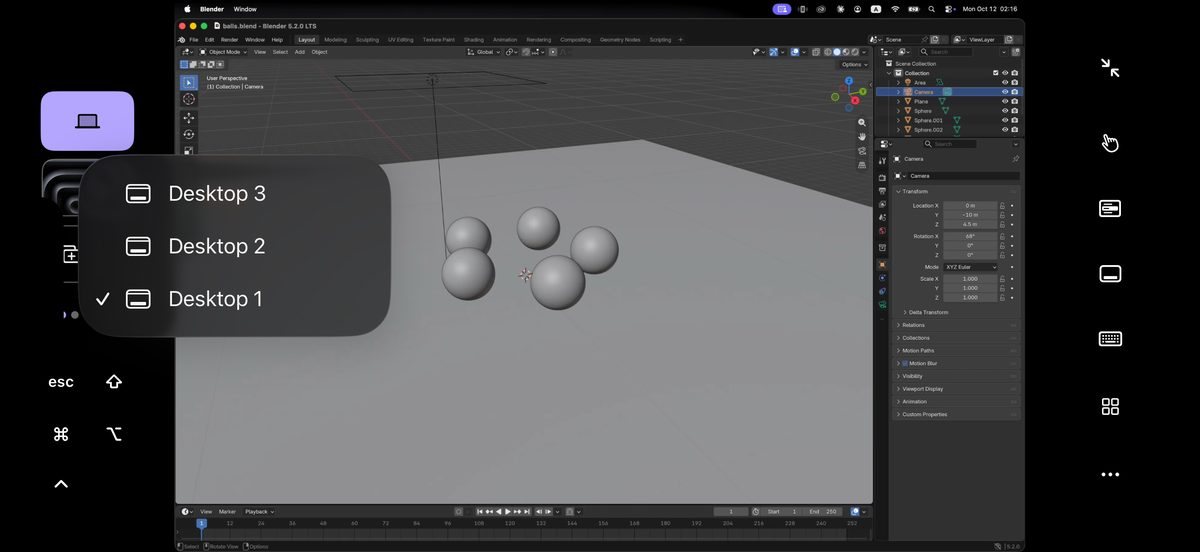
03DesktopsSwitch with a single touch -
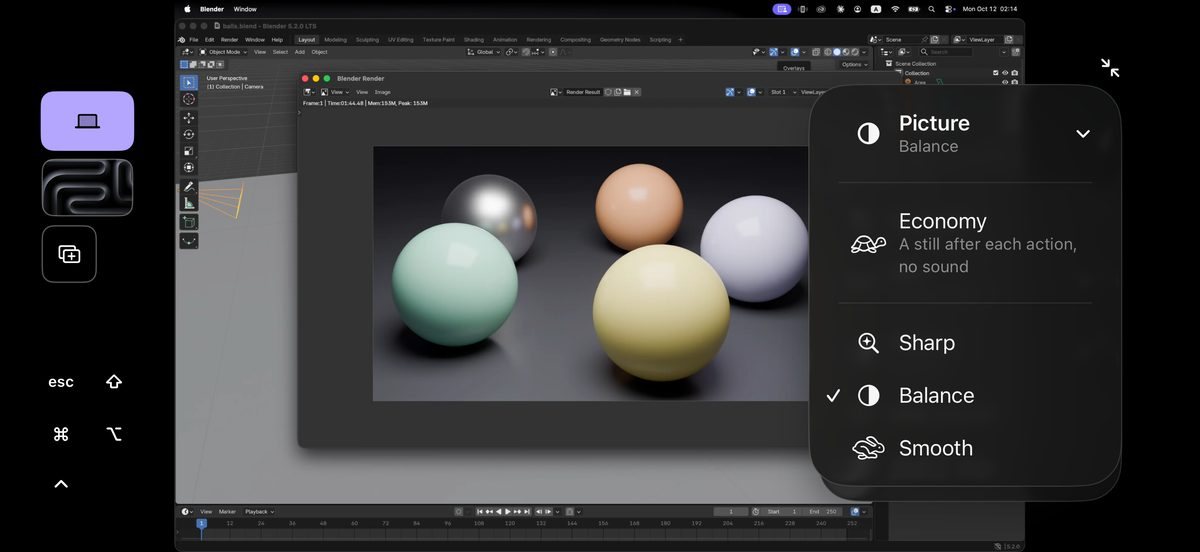
04Picture qualitySharpness, balance, smoothness — or Economy -
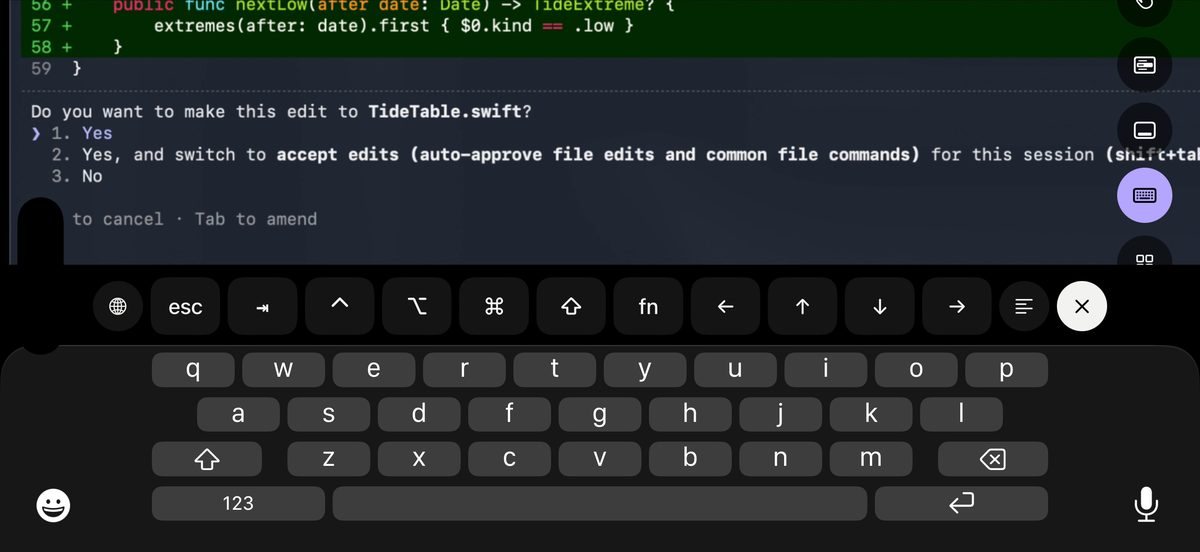
05Mac keyboard⌘ ⌥ ⇧ ⌃, Esc and arrows right above the keys
App
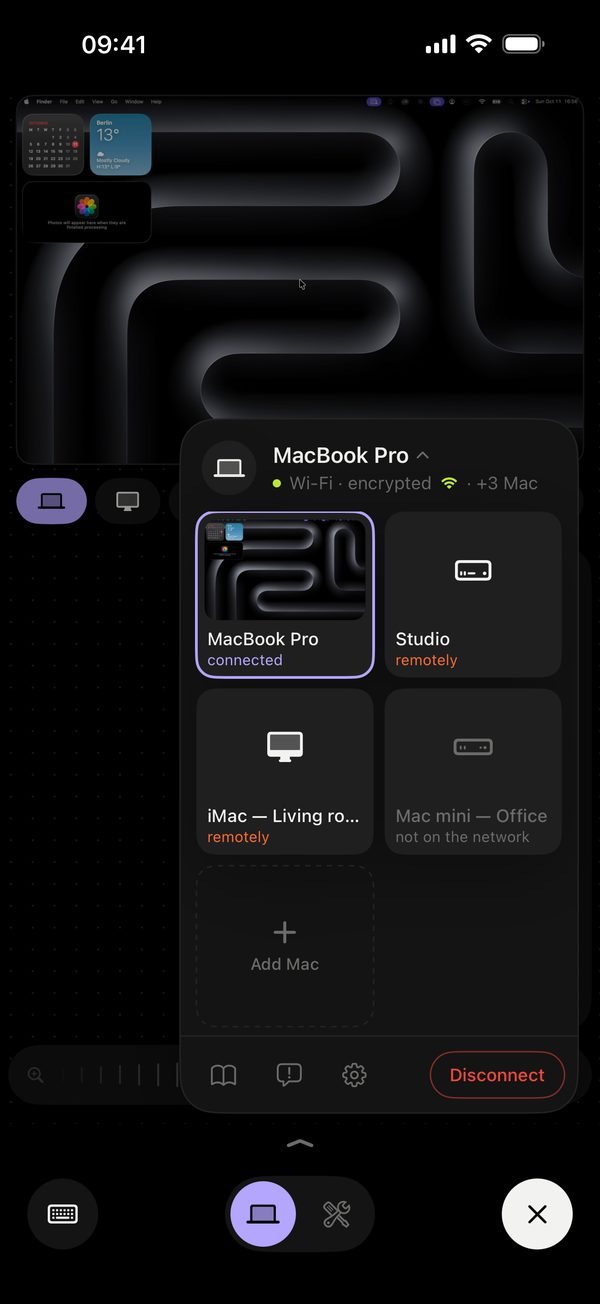
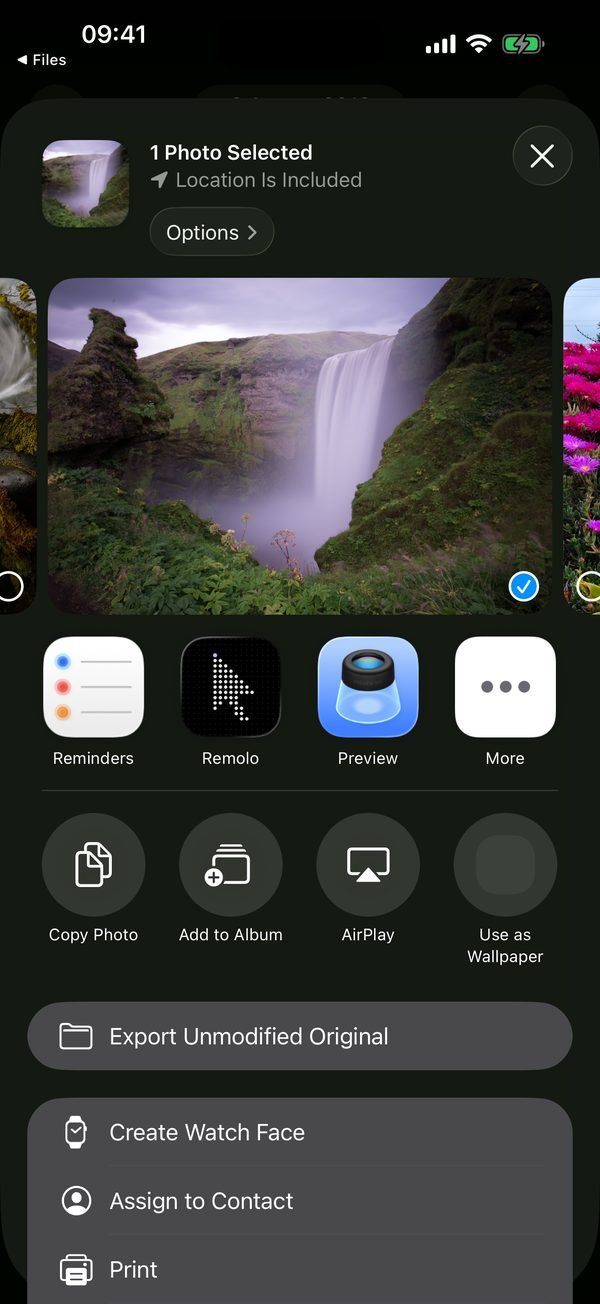
Upright — a trackpad under the Mac screen; a list of Macs with thumbnails; “Send to Mac” from any app; and “Why?” when the Mac doesn’t respond.
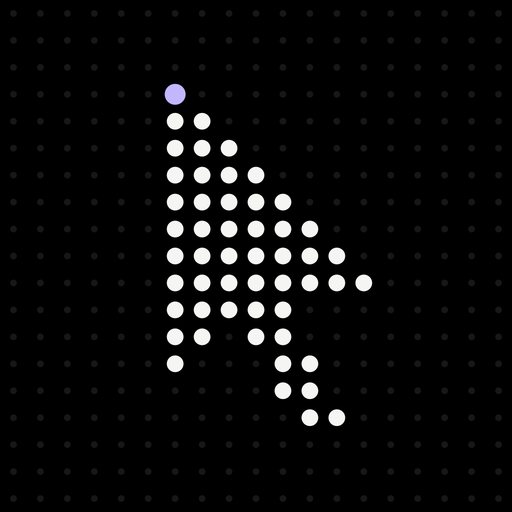
Logo
A cursor made of dots — and one dot of touch
Touch dot = mode accent
The touch dot is the only color in the mark. Each app mode has its own accent, so the same dot changes color while everything else stays black and white: color never floods the screen and appears only where attention is needed. People can pick the same accents for the app icon.
Typeface
Remolo Dots — a custom typeface written in code
We wrote our own pixel typeface. Remolo Dots grew out of the app’s timer: the same dot matrix as the cursor logo. So the mark looks identical in the app, on the website and in this case, and the dots can gather, fly and react to your finger — like the intro at the top of this page. Type your own word or hover over a glyph to see its code.
Mascot
Why a product needs a character: to give it a point of contact
-
Hypothesis
The product has no voice
Remolo is a cursor and a Mac screen: there is no one to talk to the user. Yet the most important moments — first pairing, “Mac is asleep”, “no connection” — are exactly when people wait or worry.
-
Idea
A character as the point of contact
We proposed a mascot as the single voice of the product: it explains what is happening with the Mac — in the app, on the website, in the App Store and on social media — and builds trust for people controlling a Mac from their phone for the first time.
-
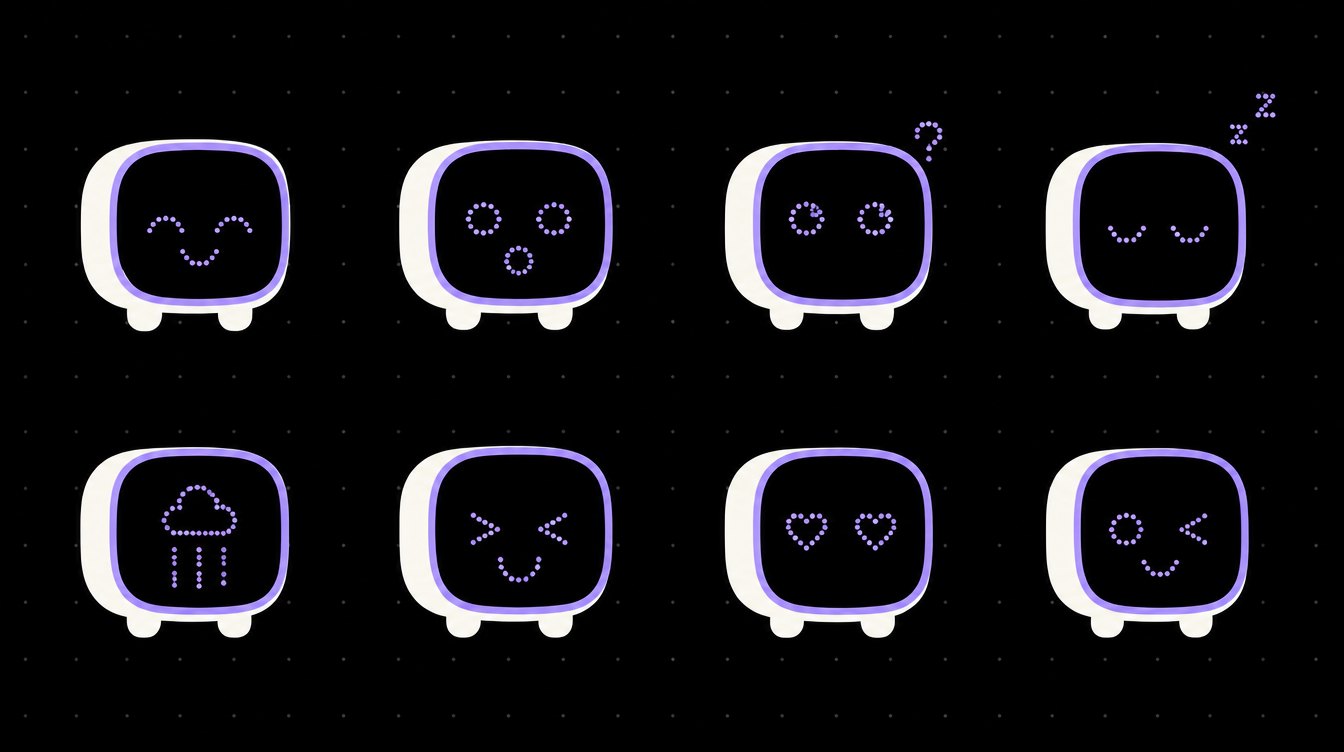
Remi
A face made of the same dots
A small computer with a dot-matrix screen for a face — like the logo and the typeface. Its emotions match the Mac’s states: searching, connected, asleep, offline. We named it Remi — after Remolo.
Remi in code
A living character in code — tap it
Where Remi lives
Scenarios
No Remi on control screens, in the terminal and agents, during action confirmations, on the paywall and in settings. Remi shows up where people wait, worry or do something for the first time — and steps aside while they work.
Remi’s face is about forty dots that spring from one emotion to the next: it blinks, follows the cursor, breathes. One spec for the app and the website — the same code runs right here on the case page. Tap it five times quickly and Remi will laugh.
Communication
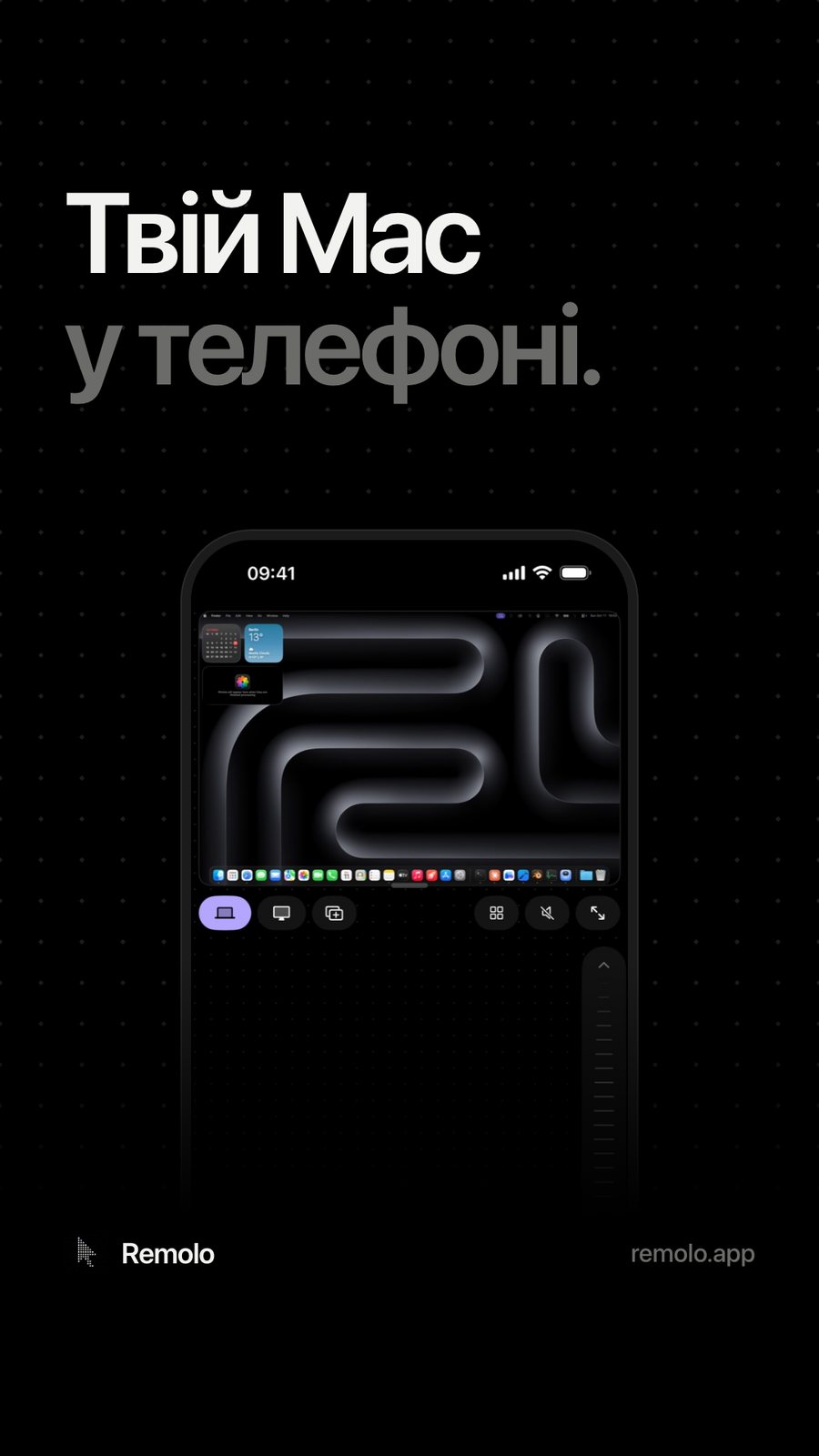
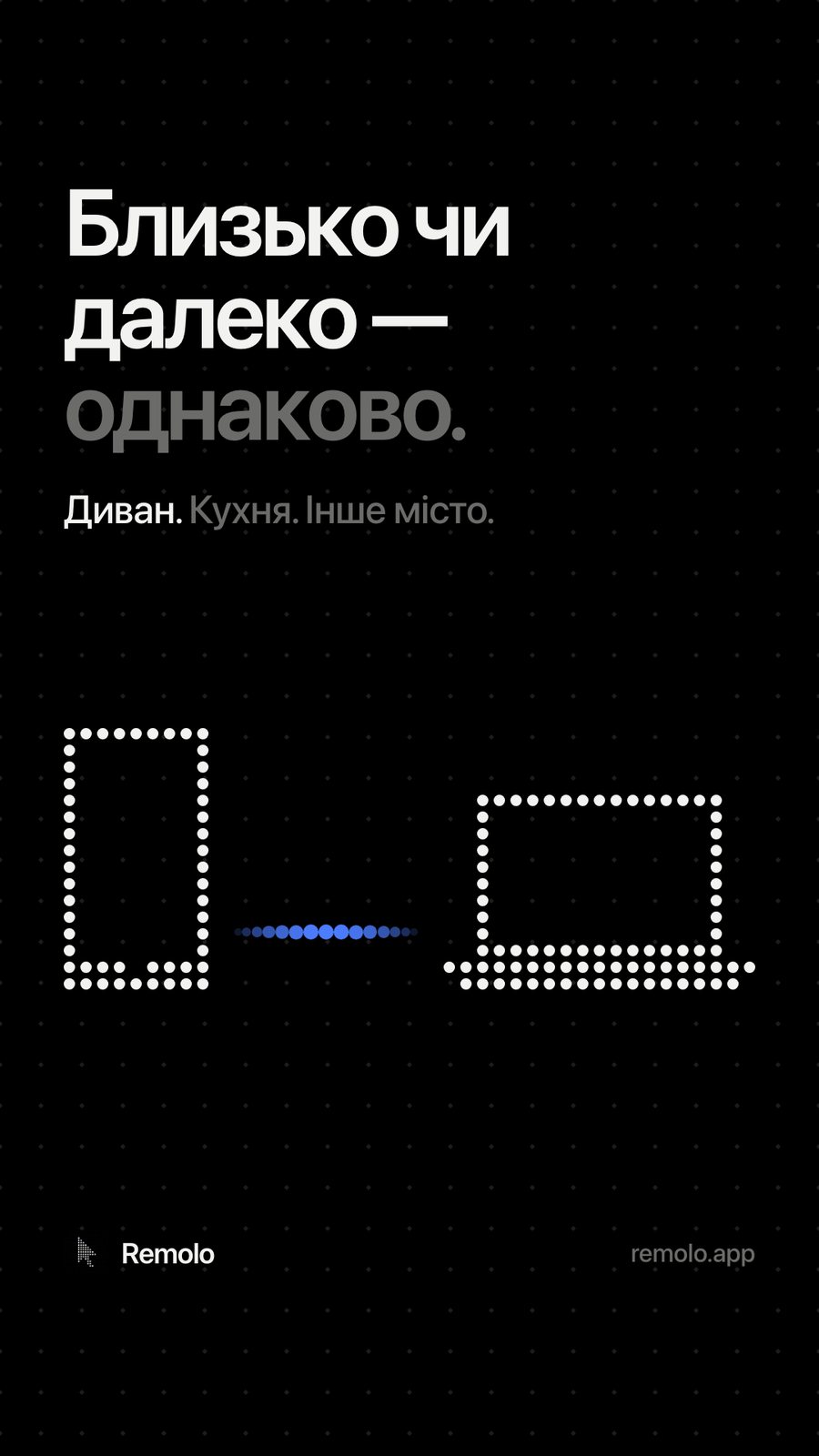
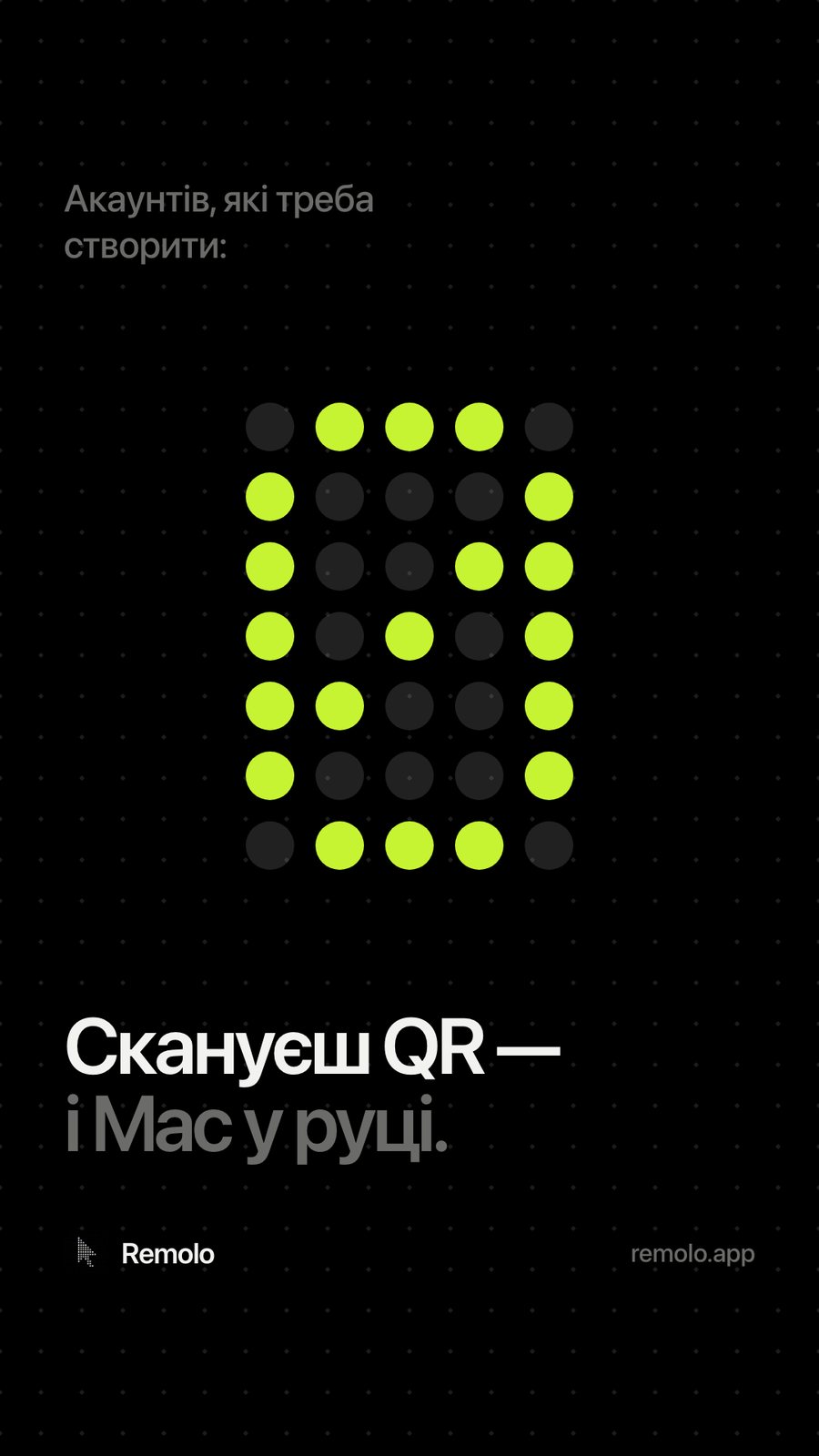
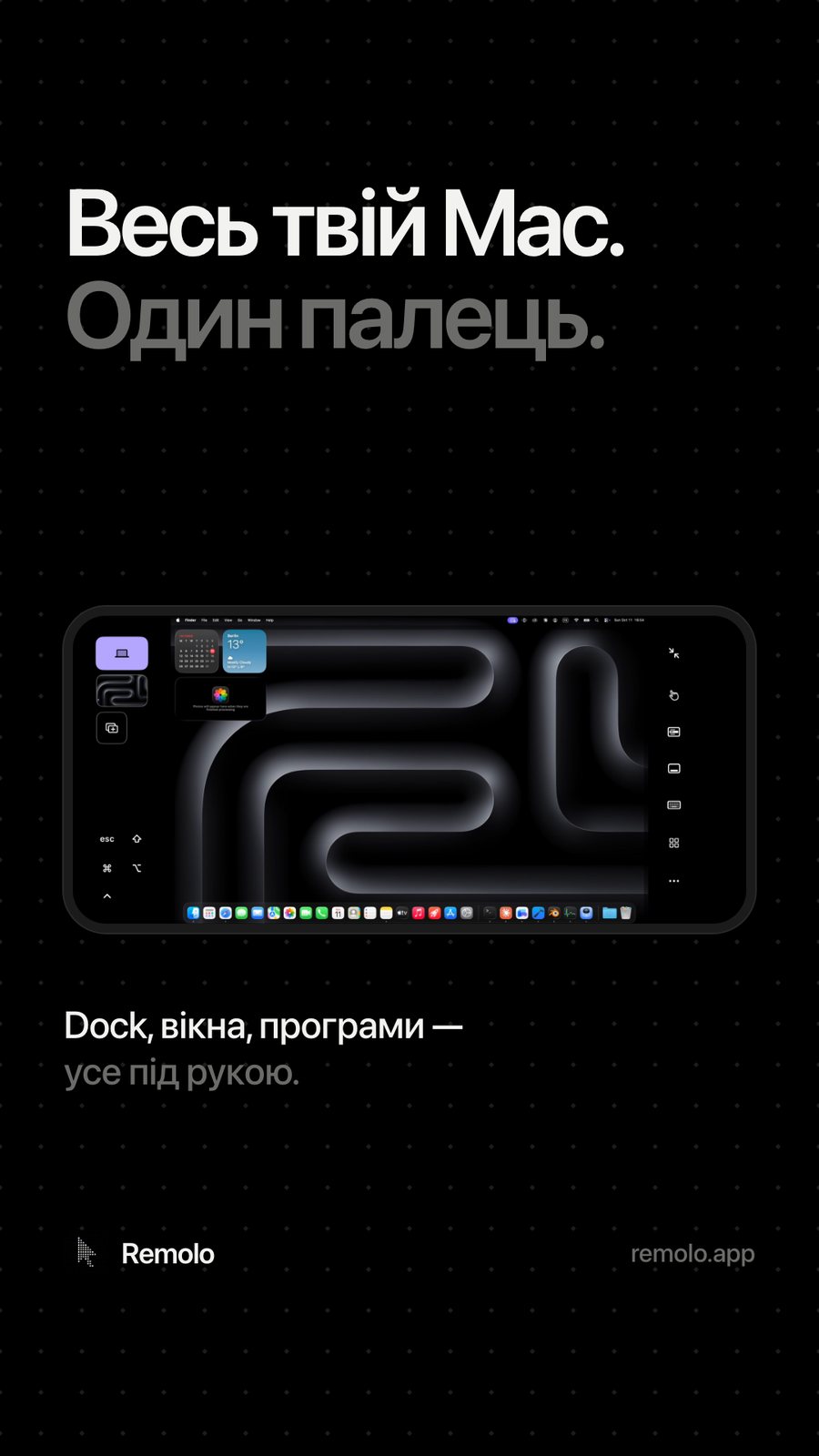
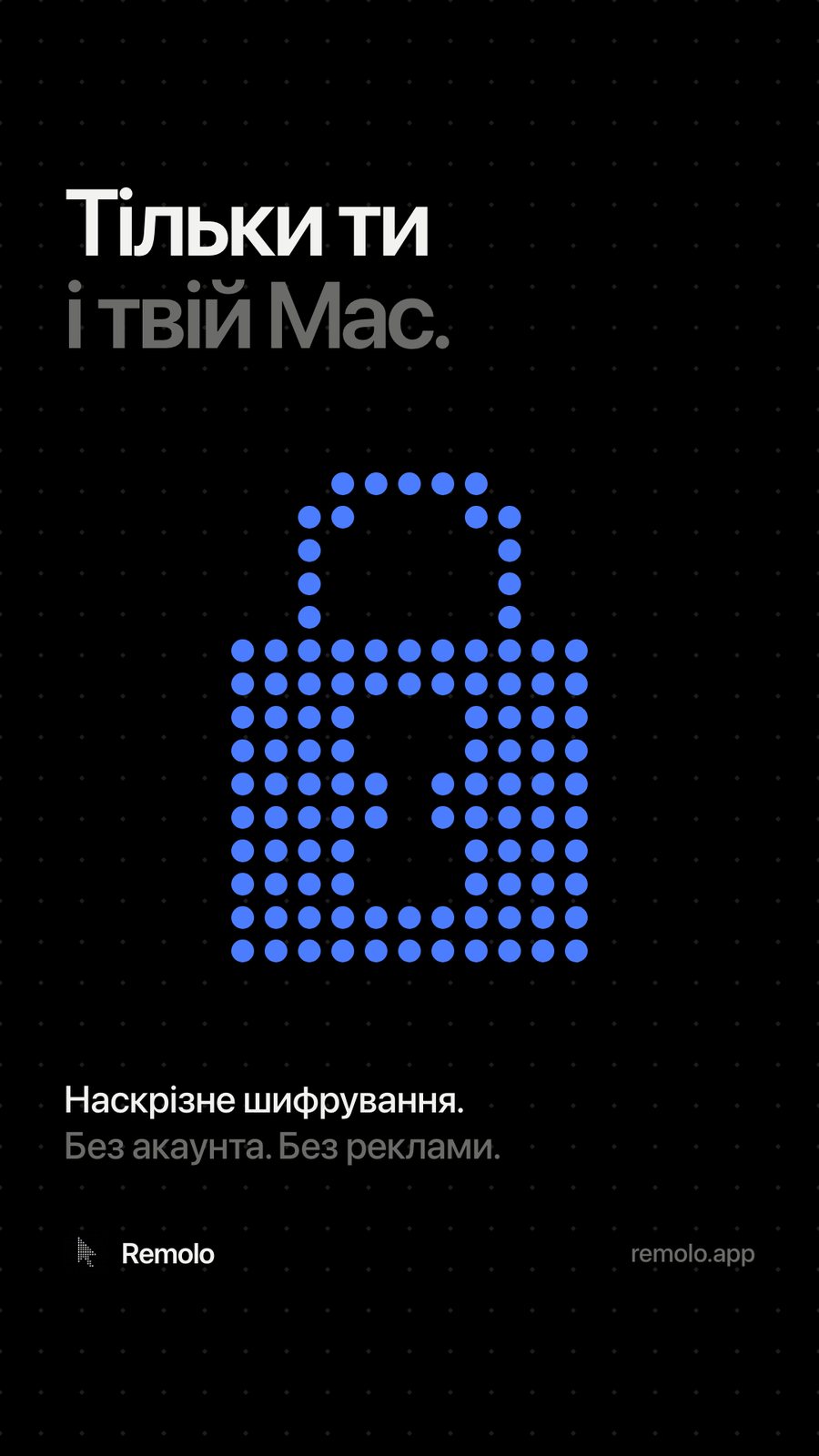
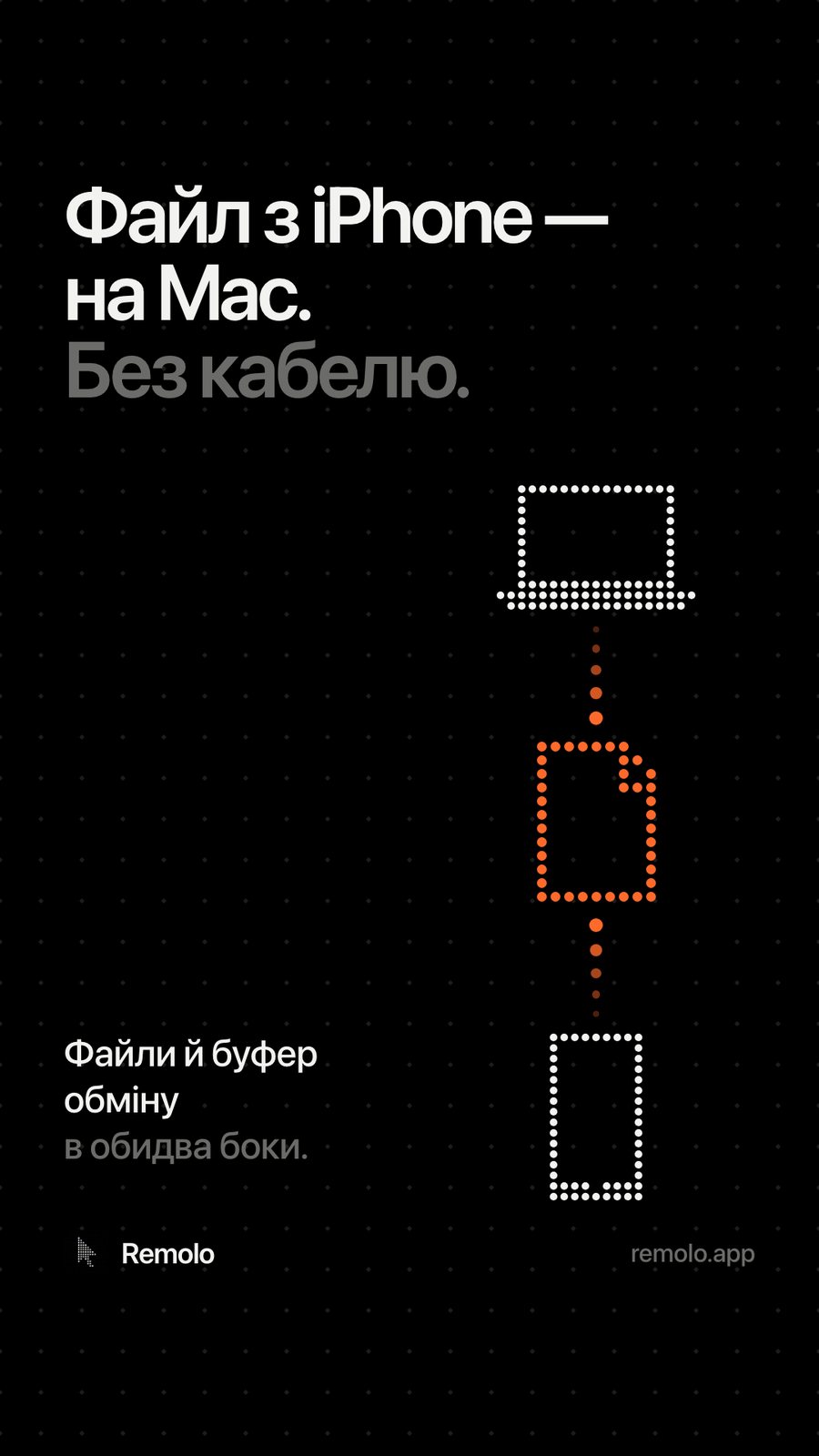
The same dot language as in the app: a large two-tone grotesque, dot pictograms and a single accent. Each post carries one message of the position, and the same messages became eight App Store screenshots.
Website
A website that answers people and AI assistants
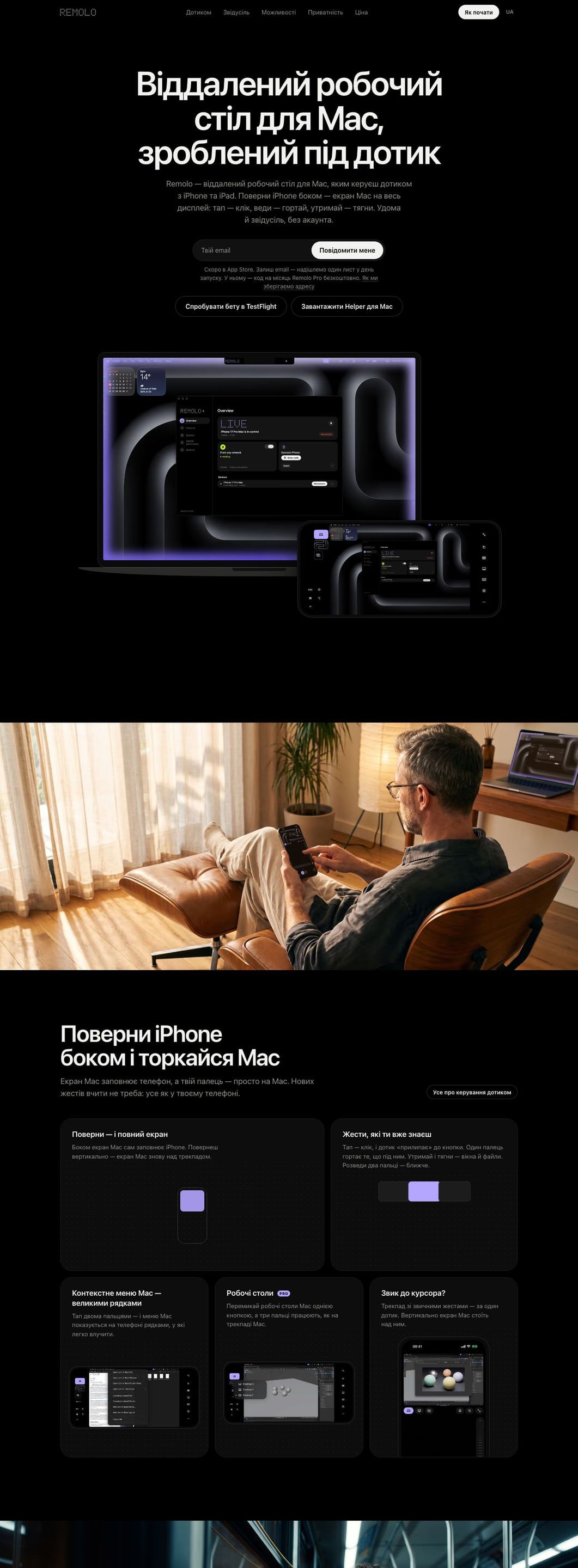
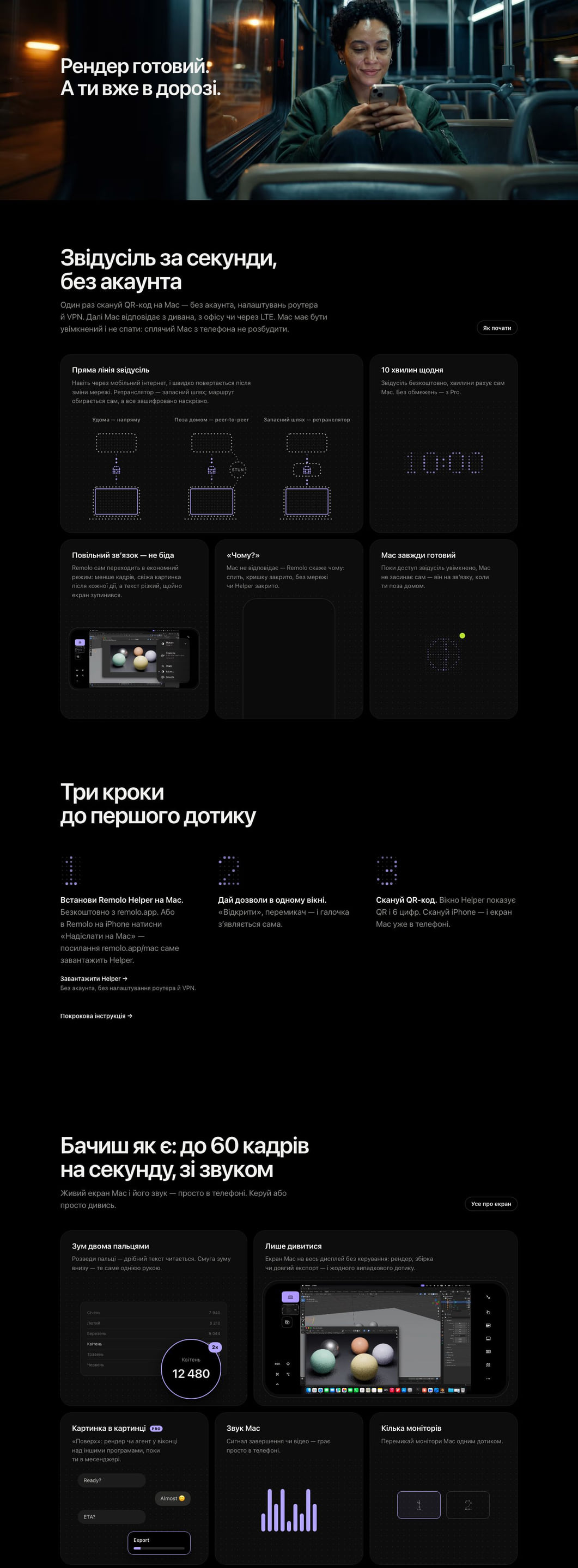
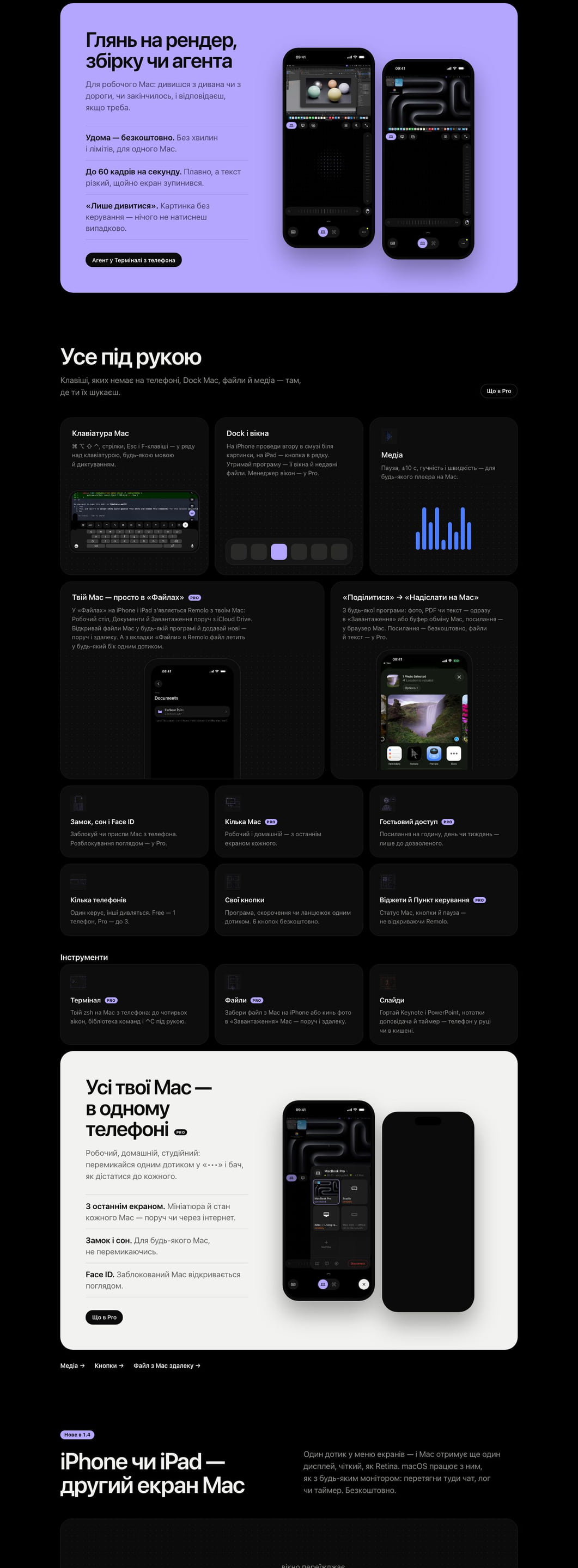
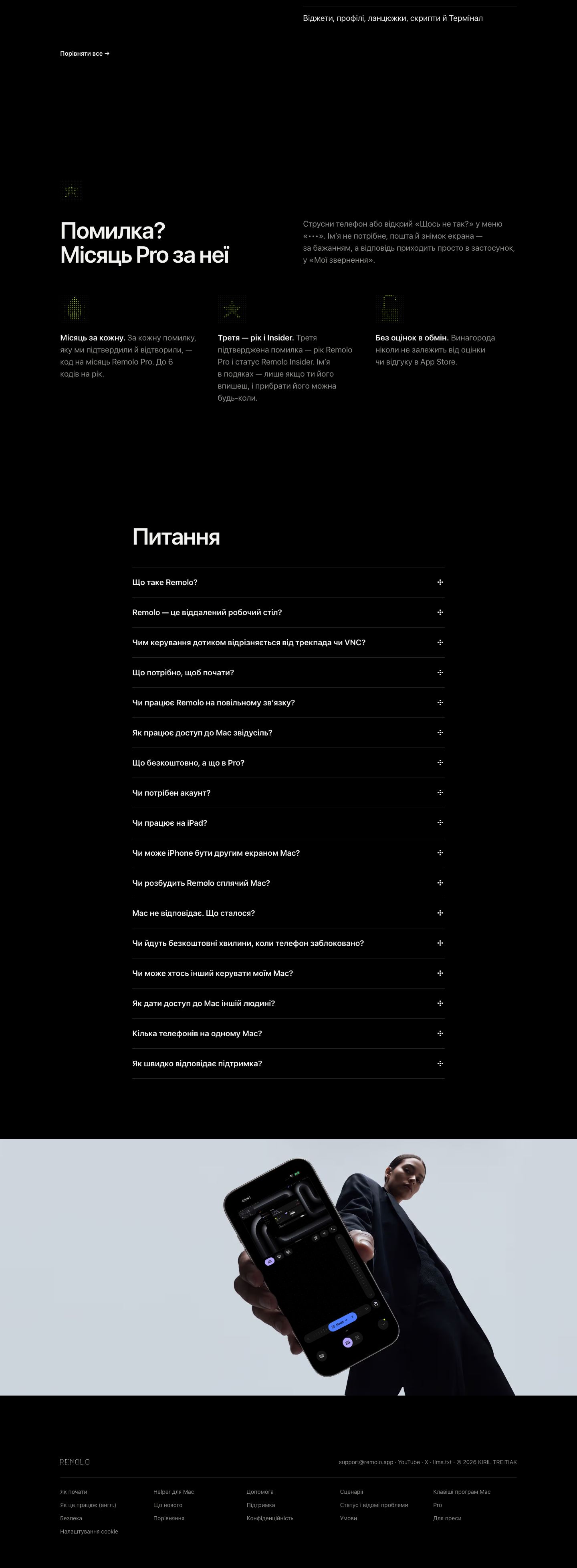
The website, in five languages, is built around real-life situations: the couch, the road, the render, the agent. Each page answers a question people ask search engines and AI assistants — so we ran SEO and GEO optimization to make Remolo the answer in both Google and ChatGPT. Hover to take a closer look.

Result
Remolo 1.4 has been submitted to the App Store, and the open beta is already running: more than 130 testers worldwide and 13,840 website views since the project began. Onboarding went from 12 steps to 7; the goal is first control in under two minutes.
One idea — strong both at home and away — holds everything together: the name, the superpower, the product, the interface, the five-language website and the ads. And the dot language — from the cursor logo to Remi the mascot — makes Remolo recognizable from a single dot.
What we’ll do for you
A product — from research to the App Store
For when you have a product idea but no position, and more features than meaning. We’ll research what hurts people in your competitors’ reviews, find one position and a name — and build the product logic, interface and brand around them.
- 01 Research and positioning Thousands of reviews — one position.
-
 02 Naming, identity and mascot A language people recognize from a single dot.
-
 03 Launch Website, SEO & GEO, App Store.
Team
- Agency
- DOGMA
- Scope
- Research, positioning, naming, product logic, interface, identity, Remolo Dots typeface, mascot, website, SEO & GEO, App Store
- Product
- Remolo — DOGMA’s own product